

Why is that? Because usability often only becomes noticeable when it's missing. It's difficult to measure, isn't always specified – and in everyday life is frequently overshadowed by technical feasibility, time constraints, or habit. Yet we all quickly realize how important it is when we're personally affected.
The best features are the ones nobody notices.
I know this from my own daily life. In the morning, I want to quickly heat up a cup of milk – actually a simple task. But the microwave oven turns it into a little test of patience:
First, I have to "wake up" the touch panel. And instead of simply reusing the last settings, I have to adjust the power and select the time every time. The touch fields are either sluggish or too fast, and sometimes I accidentally skip a selection.
Being half asleep when you wake up is incredibly frustrating. I told the kitchen fitter this. His response: "Be glad you even got this model. The newer ones are even worse."„
Hmm – that doesn't really help me. Should I write to the manufacturer after all?
Debug interfaces: The underestimated usability focal point
And that's precisely why it's worthwhile to take the topic of usability seriously in software development.
We often hear people say: "The HMI design comes from the customer; we just implement it." But wait – there are also the internal interfaces. A debug interface, for example.
And I've experienced quite a bit there:
- Commands that must be typed flawlessly – including exact capitalization. Not a single extra space!
- Entered a parameter in decimal? Tough luck, the interface expects hexadecimal.
- One command requires optional parameters without a hyphen, the next requires one.
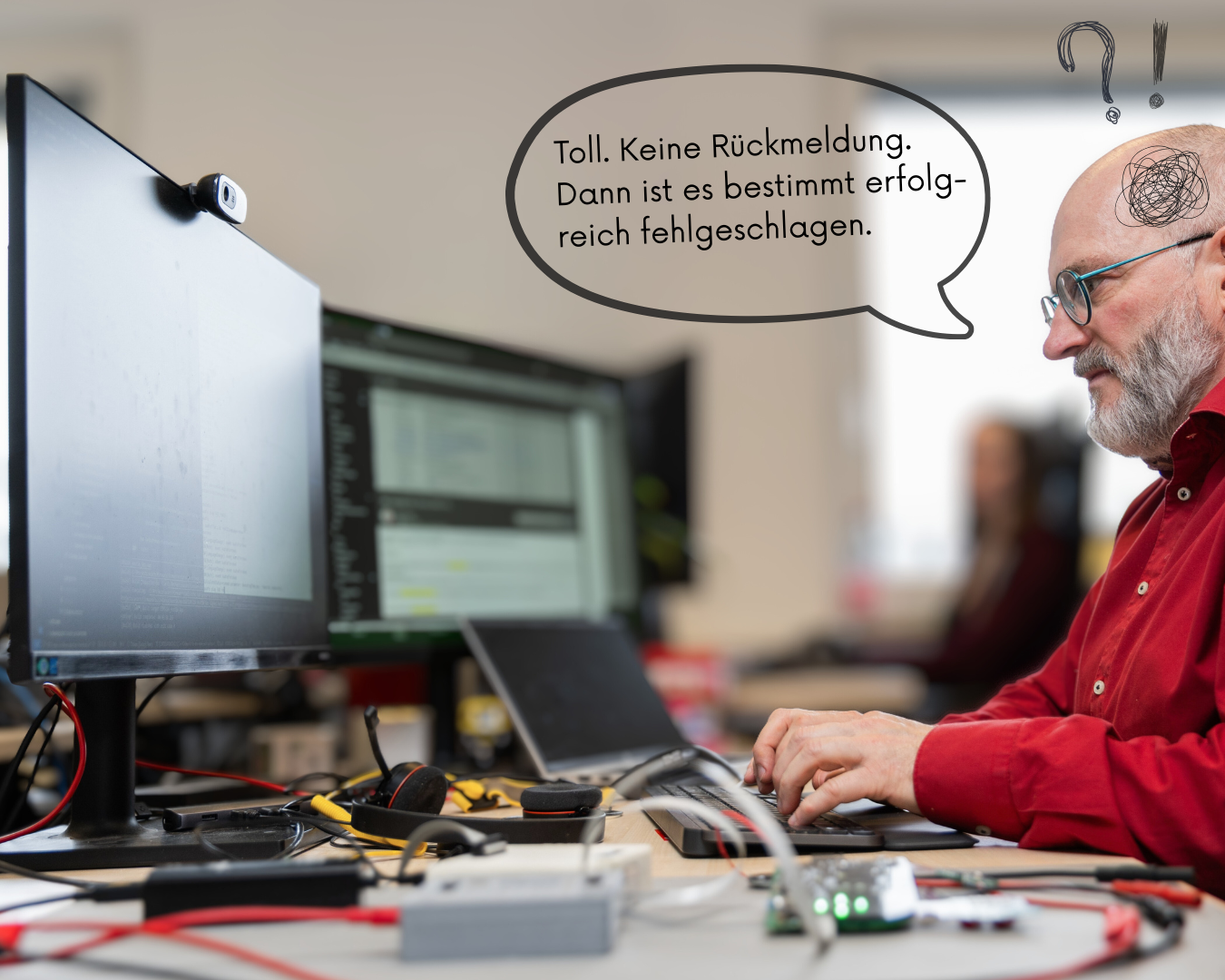
- Feedback on whether the command was executed successfully? None.
This is all incredibly annoying. But why do developers define interfaces they themselves have to use every day? The answer could be: "Because they can." Or rather: "Because they actually can't," and their tolerance for frustration is practically limitless.
Small but mighty: Usability for internal tools
or: Hex, Dec, Enum – make it easy for the user (even if they are a developer)
But what does good usability of such an interface look like? Here are a few suggestions – implemented in a current, real-world project:
- Case doesn't matter
- Commands can be abbreviated. As soon as two or more letters are sufficient for a command (i.e., only one command begins with these letters): Success!
- Hot tip: Backspace can also work via Serial Terminal
- Hexadecimal and decimal numbers allow
- ""Descriptive" identifiers for, e.g., I2C clients. Then a command to set registers could look like this: "i2c audio 0x4 32""
- If a command allows a list of options, then the command without parameters should list the options. This saves you the hassle of searching the documentation. A little tip: If the parameter is an enum type, make it iterable and provide a `c_str()` function. More on this in another blog post.
- In general, the debug interface should be self-documenting. For example, "help all" lists all commands and their respective help documentation.
- Does the project have a proper file system? If so, please implement the commands "dir", "del", "cat", and "copy". It's not complicated, but incredibly helpful later in the project or for the testers. This allows you to quickly create a backup of a configuration file and restore it later.
- Aliases for commands: Linux users often use "rm", Windows users "del". Hey - why not make life easier for both? Be nice to each other ;-)
Let me tell you this upfront: The testers will be at your feet. And if customers or other suppliers also have to work with the interface, you'll definitely be in their good graces!